
Easy Calendar & Scheduling Tools That Grow With You
Book faster, prevent no-shows, and keep your team organized with online scheduling built into your CRM.
Contact Us
We will get back to you as soon as possible.
Please try again later.
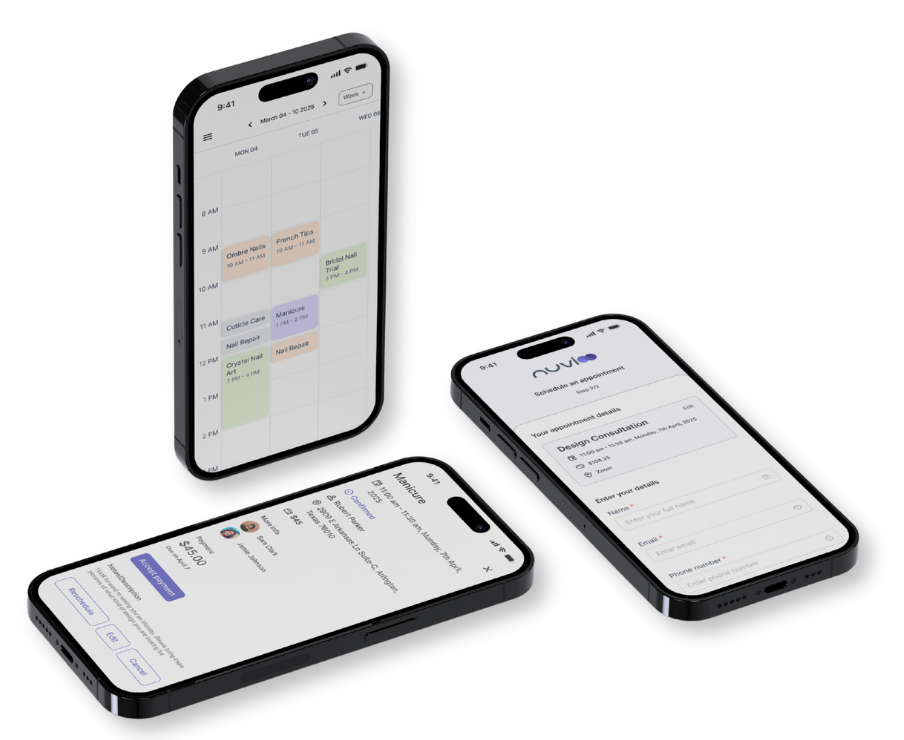
Manage Your Schedule in One Calendar
Buffer Times & Booking Rules
Add prep or transition time before/after appointments. Control last-minute chaos with custom booking rules.
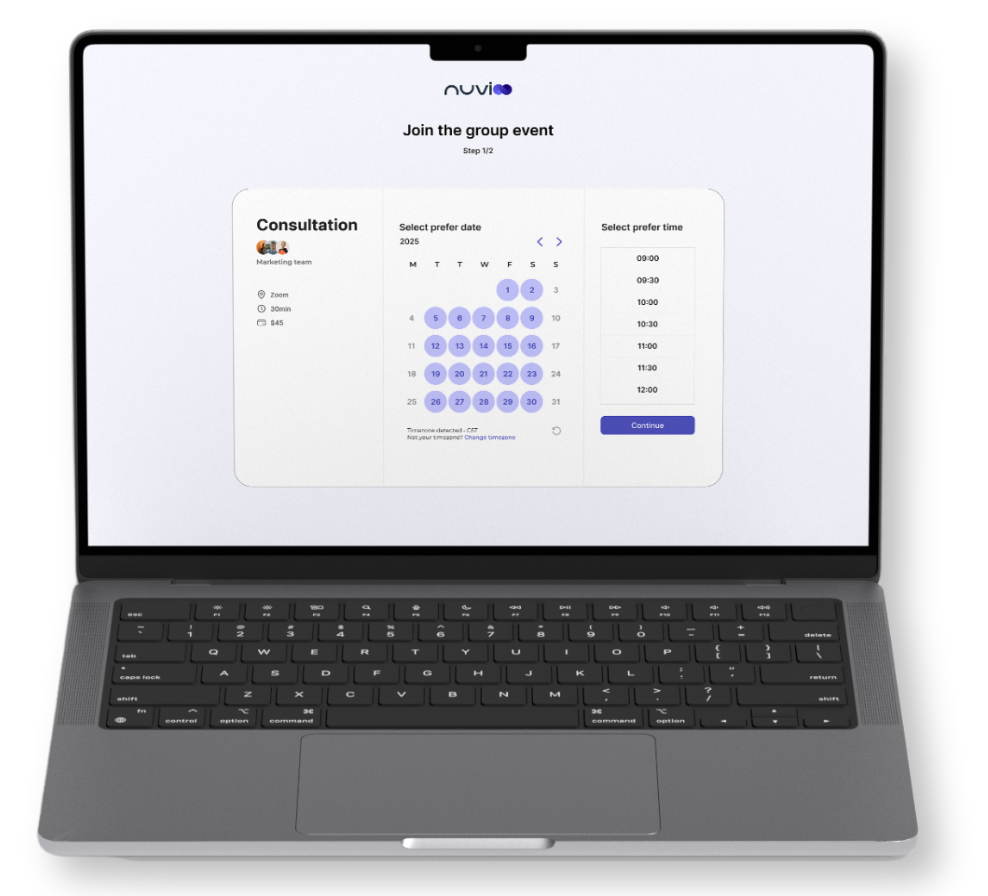
Time Zone Detection
Automatically detect your client’s local time zone to reduce confusion and prevent rescheduling errors.
Recurring Appointment Options
Keep loyal clients on the calendar with weekly, monthly, or custom recurring bookings and automated reminders.
Stay Organized With Smart Tools
Smart Availability Management
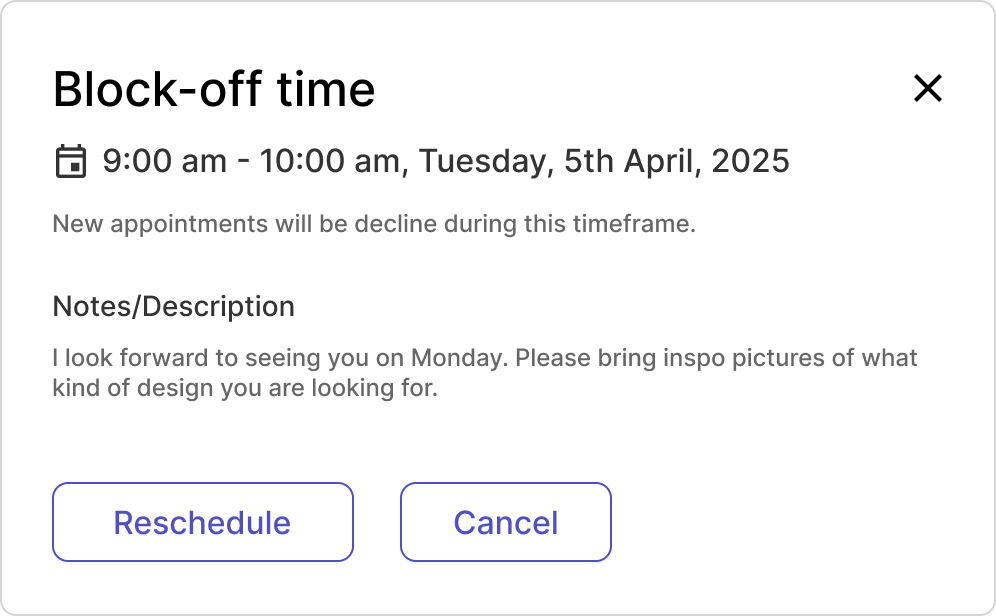
- Set hours, block time, and prevent double bookings with real-time syncing.
Appointment Status Tracking
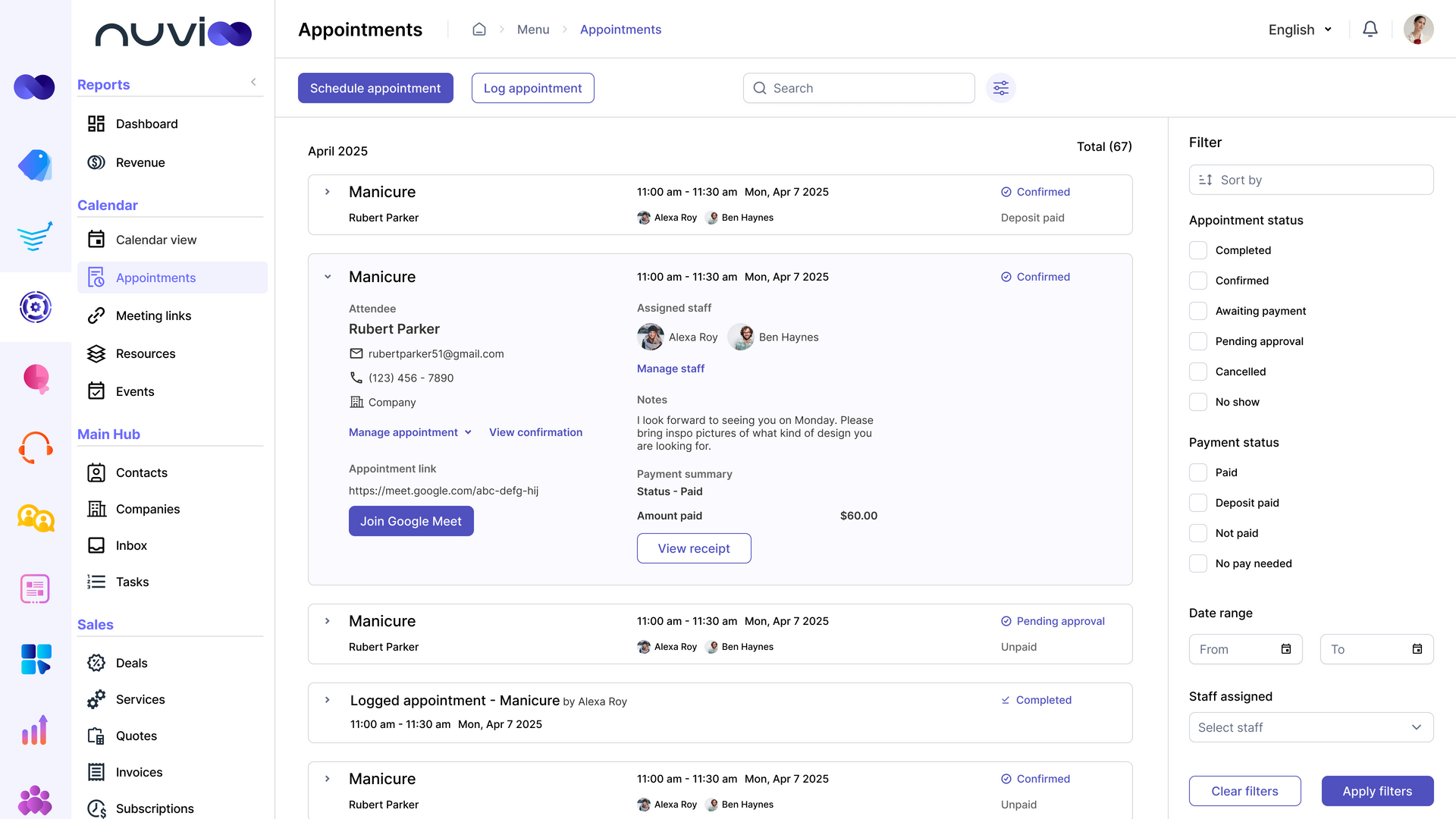
- Track appointment status: confirmed, canceled, or no show with labels.
Calendar Sync Integration
- Sync Google, Outlook, or iCal so bookings stay aligned on all devices.
Unlock More Bookings With Smarter Calendars
More Bookings, Less Chaos
- Smart scheduling tools help you prevent double-bookings, reduce cancellations, and keep your calendar full without the back-and-forth.
Smooth Client Experience
- Clients can book anytime on any device, while you stay organized with automatic updates and reminders.
Built for Growing Teams
- Whether you’re solo or managing staff, shared calendars and booking rules keep everyone in sync so your business runs efficiently every day.
Book Groups With Ease
Simplify scheduling for classes, workshops, or shared services by letting multiple clients book into the same time slot.
Flexible Booking Options: Offer one-on-one sessions or open time slots for groups to fit your business model.
Seamless Management: Track attendees and manage shared appointments without extra admin work.
Control What Clients and Teams See
Maintain privacy and flexibility by deciding what staff and clients can view in your calendar.
Team Permissions: Limit visibility based on staff roles so sensitive details stay secure.
Client Transparency: Show only the times and services you want clients to book.
Coordinate Your Whole Team
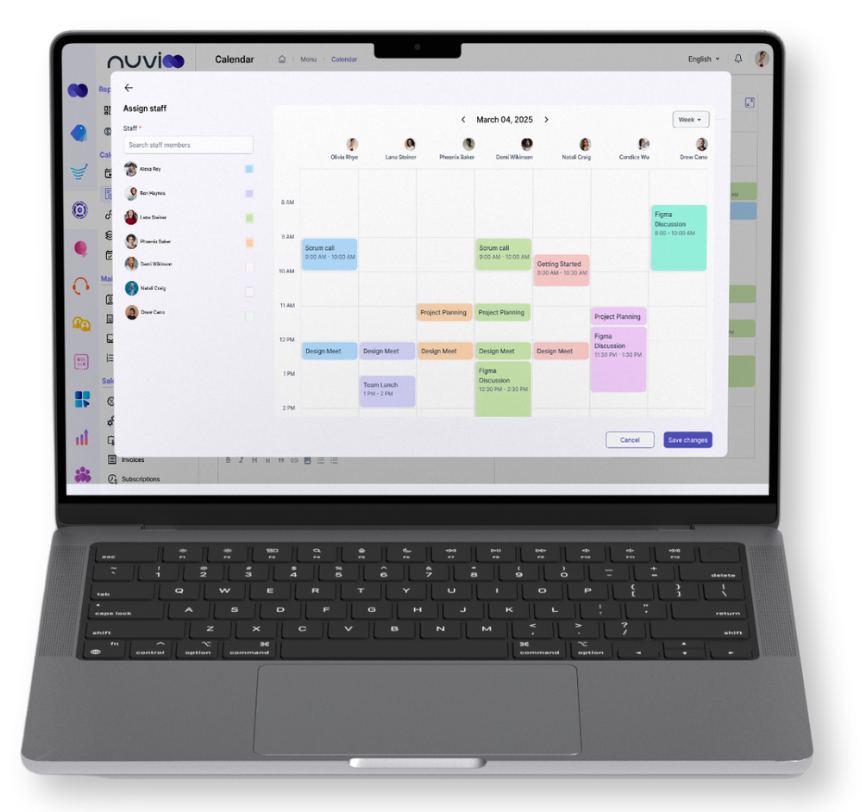
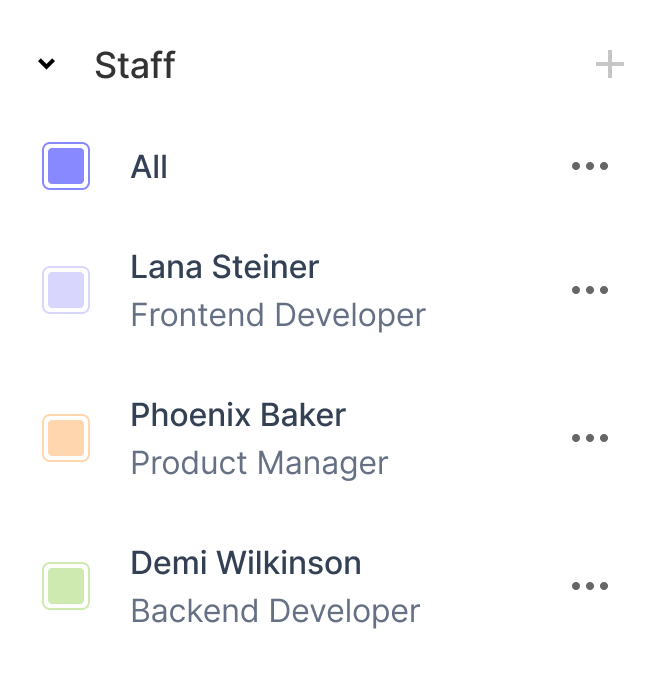
Simplify scheduling when multiple staff members are involved. Keep everyone’s availability in sync and book group services without overlap.
Team Calendar View: See staff schedules side-by-side and find open slots quickly.
Shared Availability Checks: Book group appointments only when all selected team members are free.
Frequently Asked Questions
How does Nuvioo prevent double-bookings?
Our smart availability management syncs calendars in real time, blocking unavailable slots so you never get double-booked.
Can my staff sync their personal Google or Outlook calendars?
Yes. Nuvioo integrates with Google, Outlook, and iCal so staff can seamlessly manage their work and personal schedules.
Do automated reminders go out by email or text?
You can send both. Clients receive reminders via email or SMS, reducing no-shows and keeping schedules on track.
Can clients reschedule themselves without calling the business?
Yes. Clients can reschedule or cancel online within your set rules, saving you and your staff time.
Does the calendar work for both one-on-one and group bookings?
Absolutely. Nuvioo supports individual appointments and group bookings for classes, events, or shared services.