
Centralize Every Client Conversation
Nuvioo’s Communication Tracking stores every email, text, and call in one system, giving your team visibility to follow up faster and personalize every client interaction.
Contact Us
We will get back to you as soon as possible.
Please try again later.
Track Conversations Without the Chaos
Unified Communication Timeline
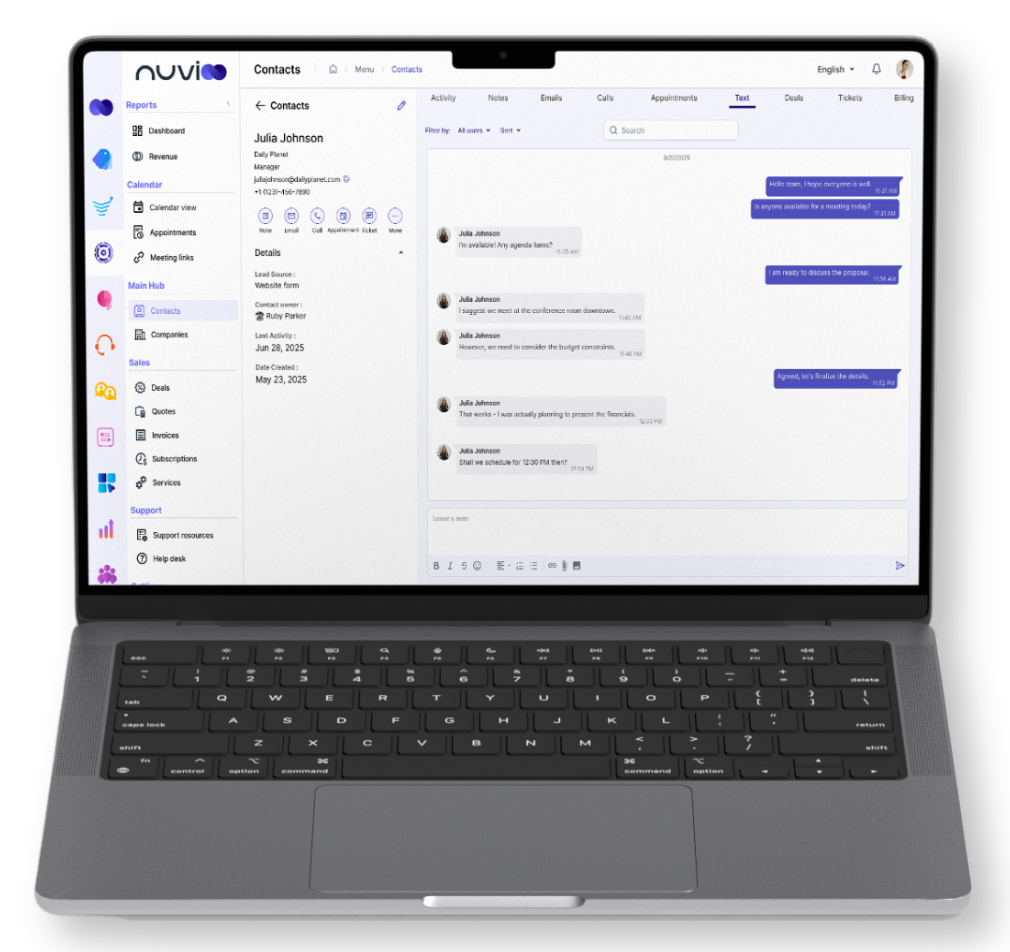
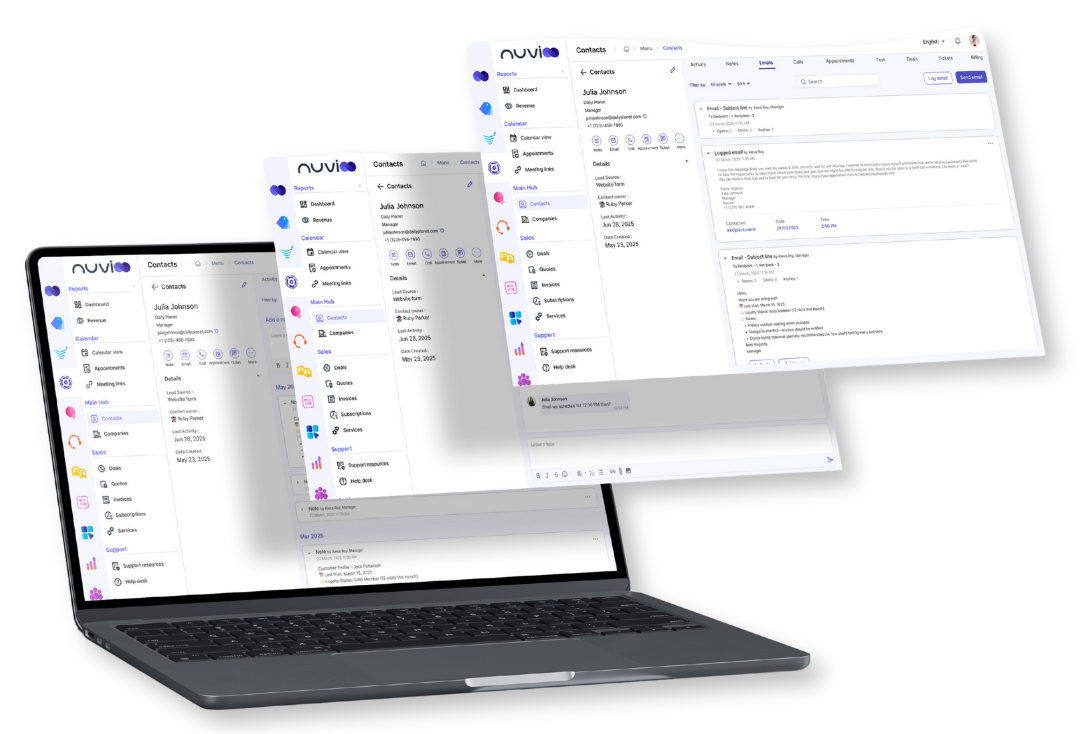
Track all client calls, texts, and emails in one CRM timeline for complete visibility.
Email Tracking
Use Nuvioo’s CRM email tracking to log opens, clicks, replies, and engagement in one profile.
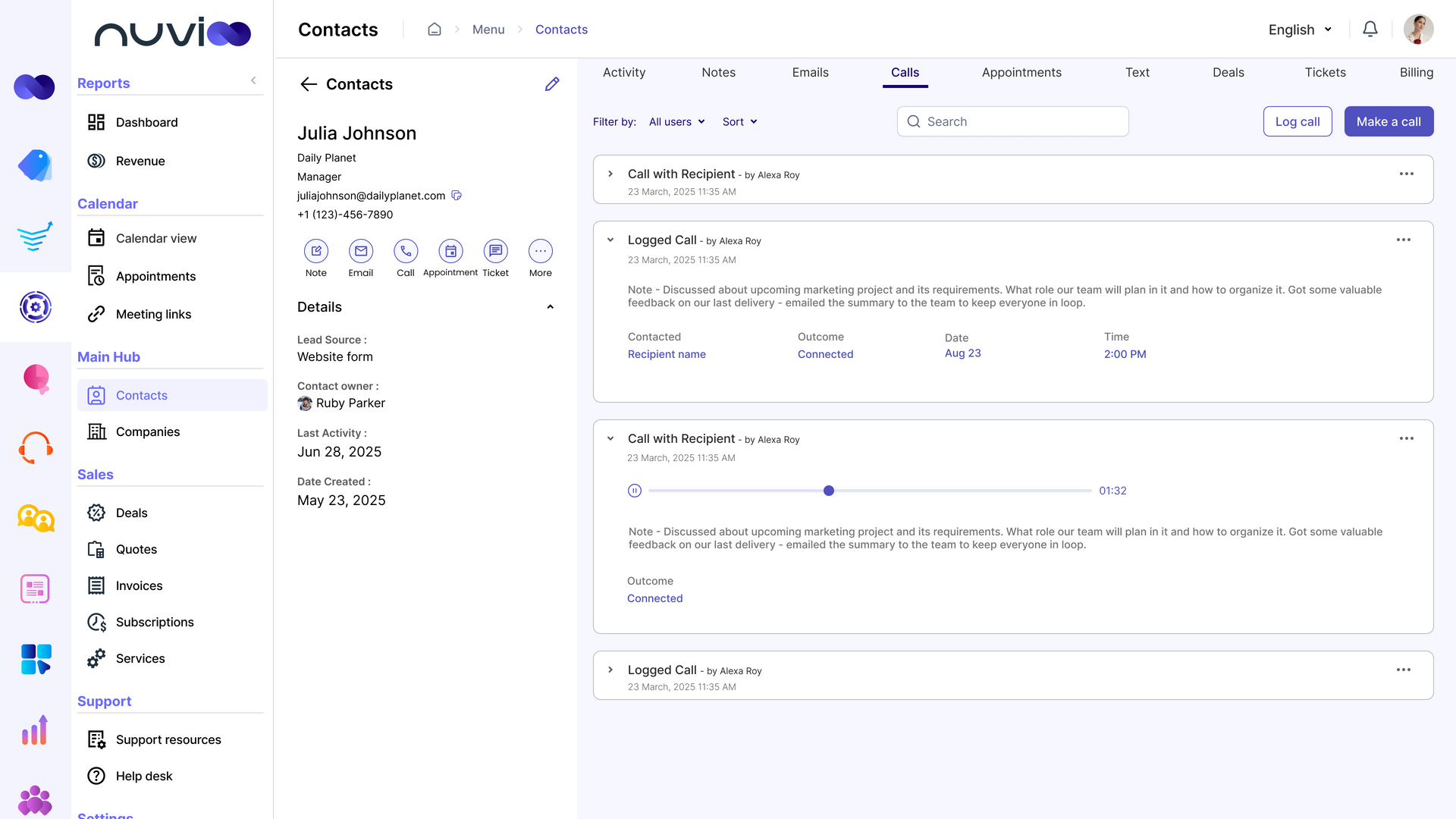
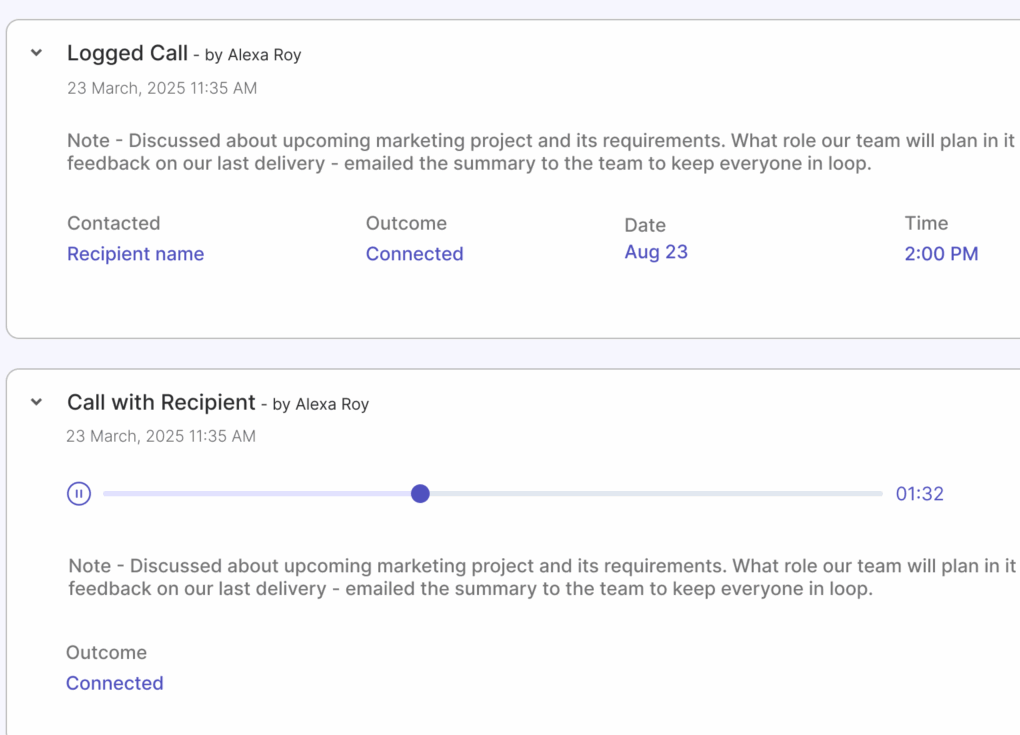
Call Tracking
Capture inbound and outbound calls with CRM call logging, notes, outcomes, and recordings.
Built to Keep You Connected
Text Message Tracking
- Store all SMS conversations directly in client records for complete visibility. Filter by date, staff, or status, send MMS files when needed, and comply with texting rules.
Smart Inbox
- View and manage every client text in one unified inbox. Route messages automatically to the right team member, keeping timely responses and preventing missed opportunities.
Automated Workflows
- Automate reminders, follow-ups, and tasks triggered by client texts or email engagement. Keep conversations active and consistent without creating extra manual work for staff.
All Your Client Communication, Unified
Full Visibility Into Clients
- With all interactions in one place, your team knows the whole story. No more guessing, no more missed messages.
Consistent & Professional Communication
- Templates and automation help you respond quickly while keeping your brand voice consistent across every channel.
Collaboration Made Easy
- Shared access gives your team clarity. Everyone stays aligned and accountable with complete transparency into client communications.
MMS & File Sharing in CRM Text Messaging
Send receipts, confirmations, and images directly through SMS. Every file is automatically saved into Nuvioo CRM, giving you an organized record of client communication.
Instant File Sharing: Easily send photos, receipts, or documents through CRM texting without switching tools.
Better Client Experience: Provide visual details alongside SMS so clients stay informed and confident.
Frequently Asked Questions
Does Nuvioo track all client communications in the CRM?
Yes. Every email, text message, and phone call is automatically logged to the client profile, giving your team a complete communication history.
Can I integrate Gmail or Outlook with Nuvioo?
Yes. Nuvioo’s CRM integrates with Gmail and Outlook, so all your emails flow directly into the platform for seamless communication tracking.
Is business texting through Nuvioo SMS compliant?
Absolutely. Nuvioo supports SMS opt-in and opt-out, ensuring all business texting complies with industry regulations.
Can multiple team members manage the shared inbox?
Yes. Nuvioo’s smart inbox lets you assign, route, and manage client messages across your team, ensuring that communication is never missed.
Does Nuvioo call tracking include call recordings?
Yes. Calls can be automatically logged and recorded for quality assurance, training, or documentation, with recordings stored in the client record.