
Close Faster with a Smarter Deals Pipeline
Nuvioo’s deals pipeline helps you track leads, manage opportunities, and forecast revenue with visual stages, automation, and insights to close more deals.
Contact Us
We will get back to you as soon as possible.
Please try again later.
Shape Your Pipeline, Drive More Sales
Customize Sales Stages
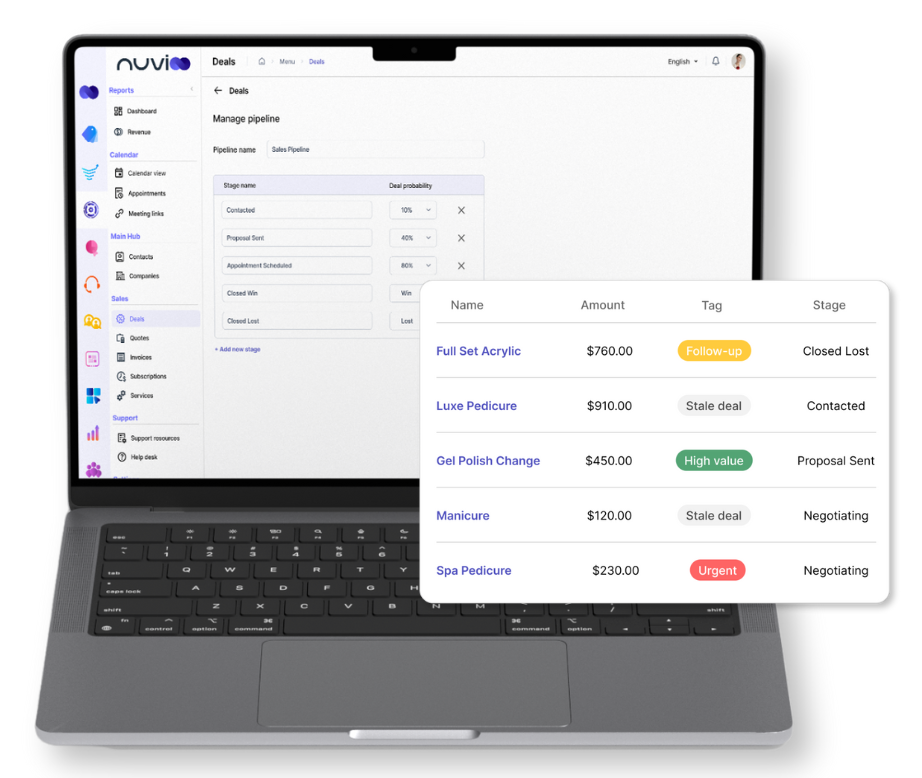
Build your pipeline around your business model by creating custom deal stages (e.g., New Lead, Qualified, Proposal Sent, Won, Lost). Adapt the stages as your sales process evolves.
Drag-and-Drop Pipeline View
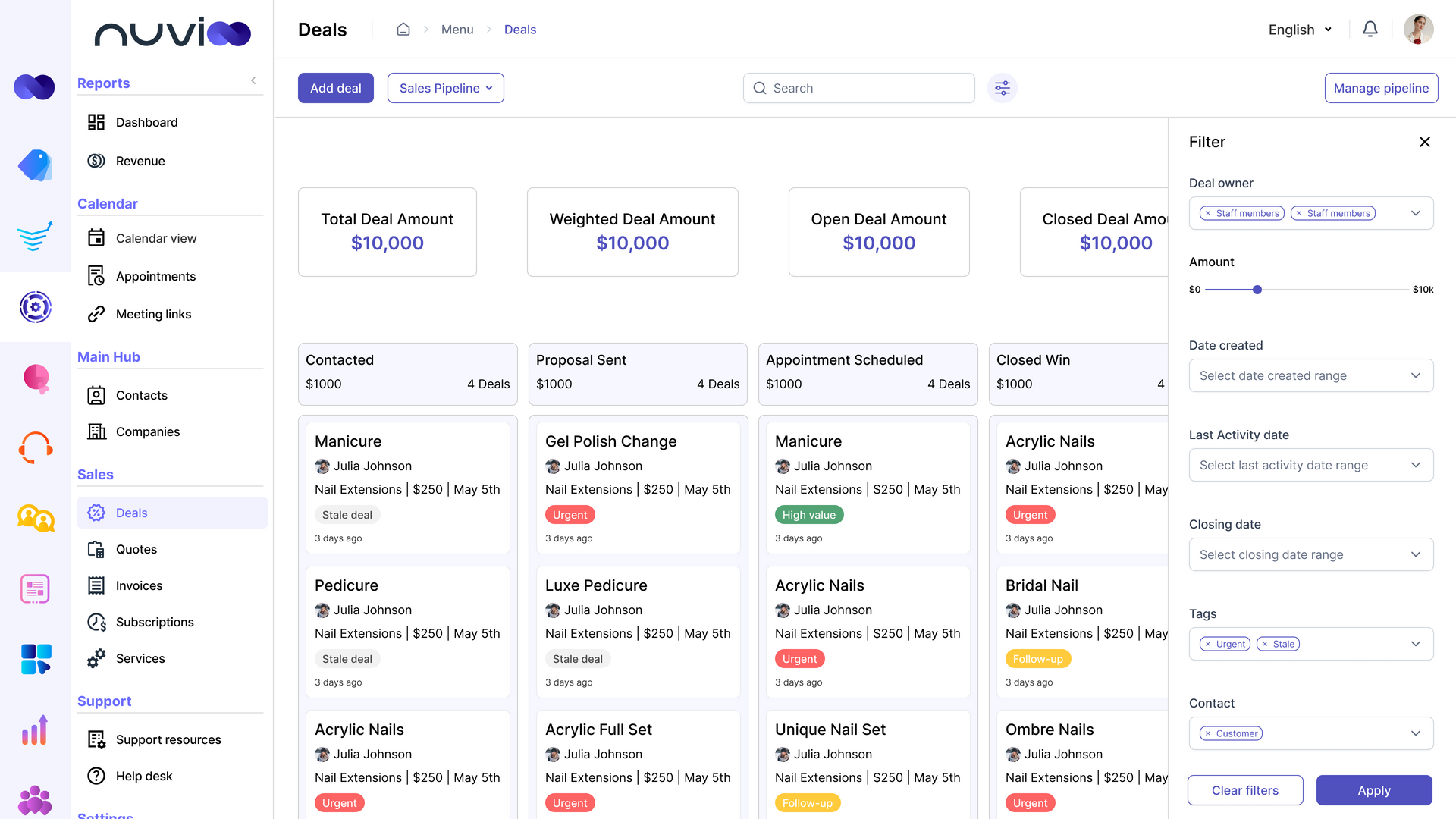
Move deals through stages with a simple drag-and-drop interface. Easily update status, assign owners, and prioritize deals visually.
Deal Value & Forecasting
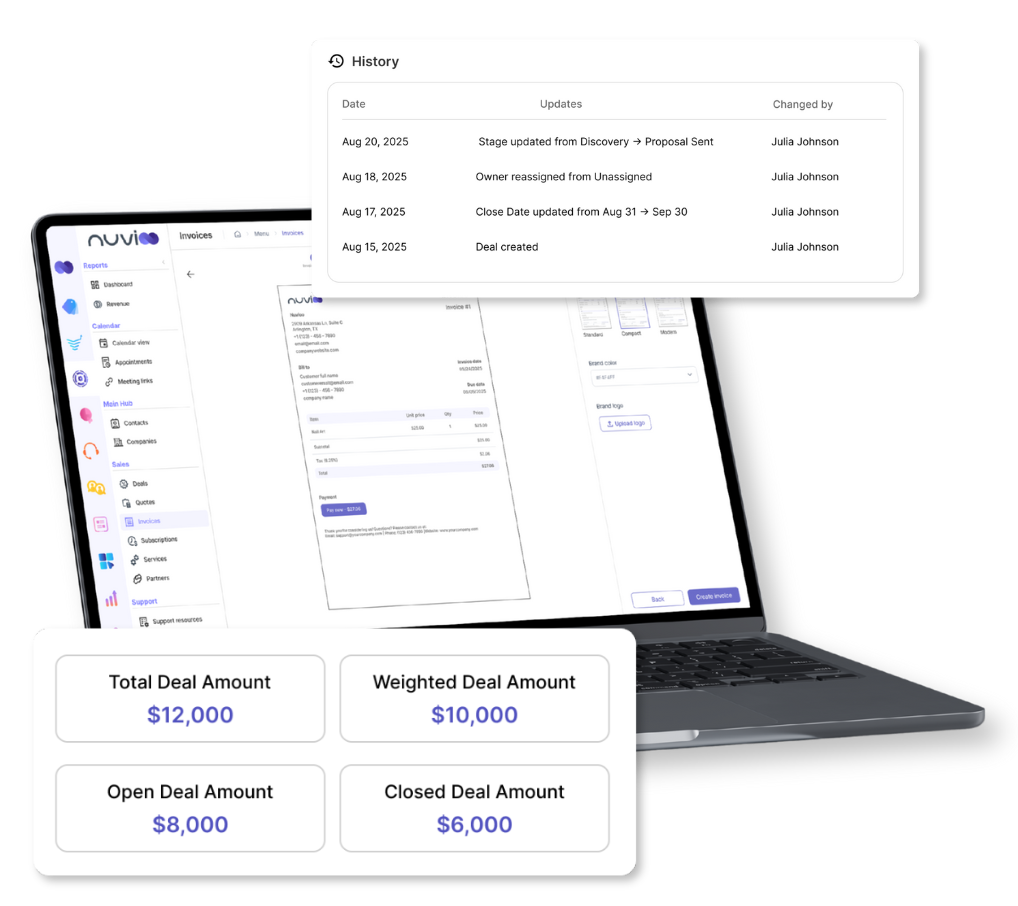
Assign each deal a monetary value and expected close date. Use pipeline reports to forecast future revenue and monitor team performance.
Smarter Sales Tools in Action
Deal Automation (coming soon)
- A new feature is on the way to help automate follow-ups, reminders, and stage updates within your sales pipeline.
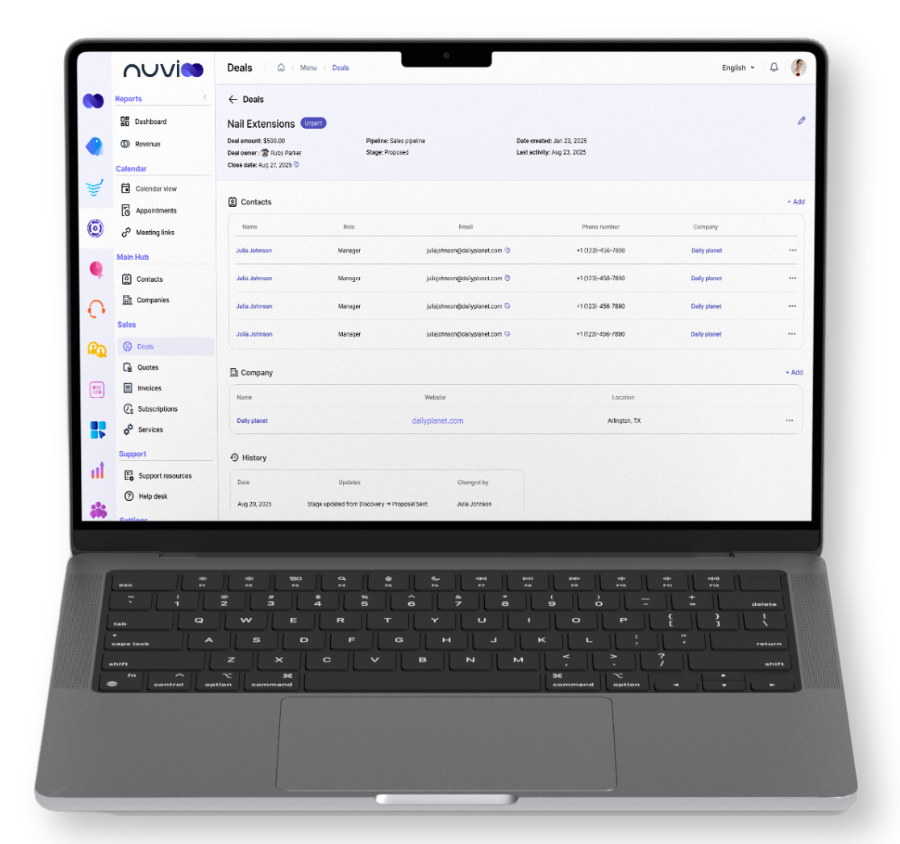
Contact & Company Association
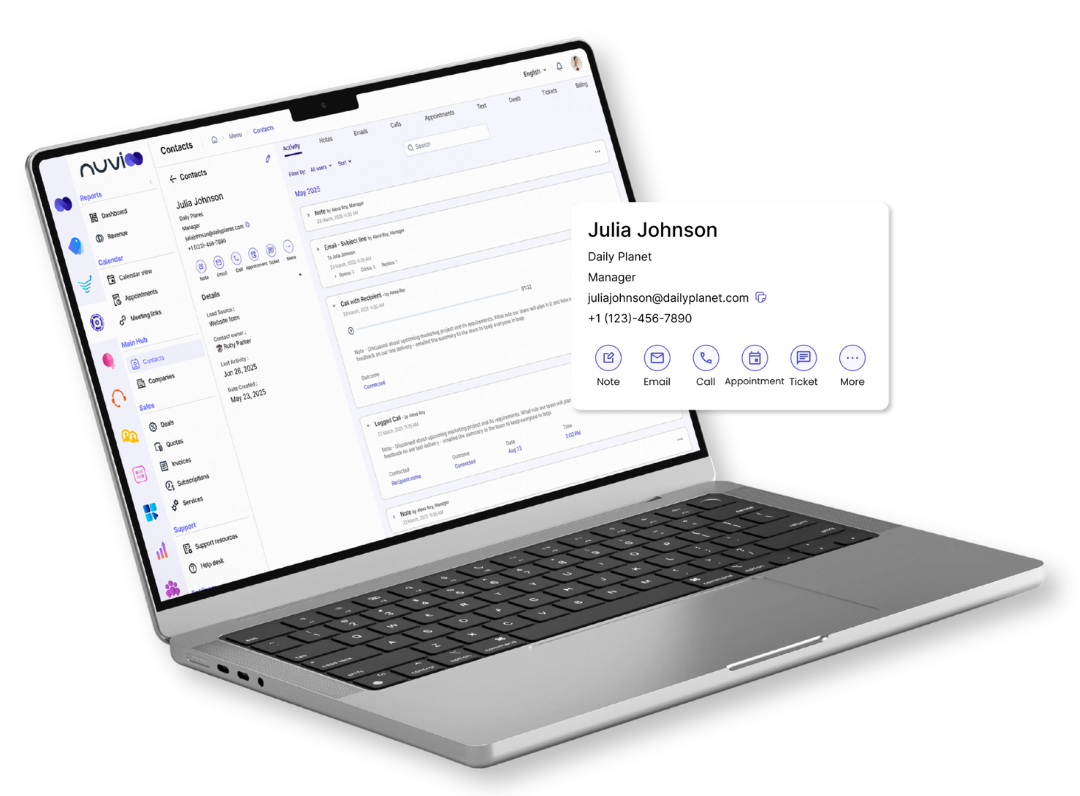
- Link deals directly to contact and company records. View deal history, communication, tasks, and files — all in one place for a complete picture.
Pipeline Reporting & Insights
- With Nuvioo’s deal tracking software, generate reports on win rates, average deal value, sales velocity, and team performance.
Growth Built Into Your Pipeline
Close More Deals with Clarity
- Customizable stages and drag-and-drop control keep your team aligned and your pipeline organized, so every opportunity moves forward confidently.
Plan Ahead with Smarter Forecasting
- Assign deal values and close dates to project revenue. Gain visibility into cash flow, performance, and future growth opportunities.
Work Better Together
- Keep every conversation and client detail in one place so your team can work together seamlessly and stay on track.
Multiple Pipelines
Run multiple sales strategies in parallel with ease, keeping every team and product line organized.
Team-Specific Pipelines: Create separate pipelines for different teams, product lines, or markets so each can work with the process that fits them best.
Custom Reporting: Each pipeline comes with its own automation and reporting, giving you clear insights into performance across every sales channel.
Activity Timeline
Keep every call, email, note, and meeting in one organized place for complete deal visibility.
Unified Record: Track calls, emails, texts, notes, and meetings in a single timeline view so nothing slips through the cracks.
Full Visibility: Always know the most recent touchpoint on every deal, helping your team follow up at the right time with the right context.
Filtering & Sorting
Quickly find, filter, and prioritize the right deals so your team stays focused on closing faster.
Smart Filters: Narrow down opportunities by stage, owner, source, value, or close date to focus on what matters most.
Quick Sorting: Sort deals by size, last activity, or expected close date to instantly see where to spend your time and attention.
Team Collaboration Tools
Collaborate seamlessly on every deal in your pipeline, keeping teams aligned and moving forward.
Assign & Tag: Assign deals to team members and tag coworkers in notes so responsibilities and updates are always clear.
Shared Context: With deal history and communication in one place, your team stays aligned and avoids costly missteps.
Closed-Won / Closed-Lost Tracking
Track wins and losses to learn from every outcome and refine your sales strategy for better results.
Win/Loss Tracking: Mark deals as won or lost with just a click, keeping your pipeline current and always accurate.
Deal Notes & Insights: Record reasons for lost deals directly in notes and share them with your team to uncover trends and improve sales performance.
Frequently Asked Questions
Can I customize the stages in my sales pipeline software?
Yes. Nuvioo lets you create and adjust custom stages that match your sales process, keeping your deals pipeline flexible as your business grows.
Does Nuvioo track deal values and forecast revenue?
Absolutely. You can assign deal values and close dates, then use Nuvioo’s sales pipeline reports to forecast revenue and track performance.
What happens if a deal goes inactive in the pipeline?
Your team can easily log and manage follow-ups, reminders, and emails to stay connected with every lead.
Can my whole team access and collaborate on the same deals pipeline?
Yes. Assign deals, share notes, and view communication history in one place. Nuvioo’s deal tracking system gives your team full visibility.
Does Nuvioo provide reporting and analytics on pipeline performance?
Definitely, with win rates, deal size, and pipeline velocity reports, Nuvioo helps you analyze sales performance and close more deals.