
Simple, Powerful Invoice Software
Nuvioo’s invoice software for small businesses lets you create, send, and track invoices, accept online payments, automate billing, and protect cash flow.
Contact Us
We will get back to you as soon as possible.
Please try again later.
Create and Send Invoices Faster
Custom Invoice Generator
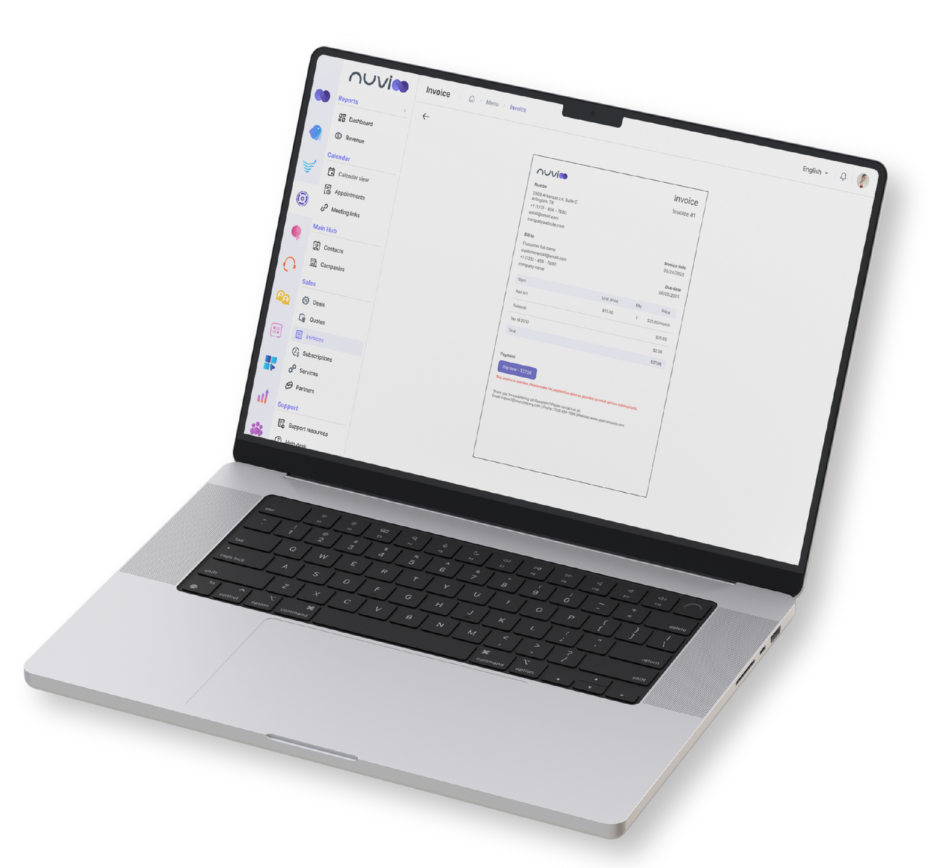
Create professional invoices with saved services, products, or custom line items in minutes. Add taxes, discounts, or notes to fit every client's need.
Branded Invoices
Automatically apply your company logo, colors, and contact information for a consistent, professional invoice every time.
Online Payments
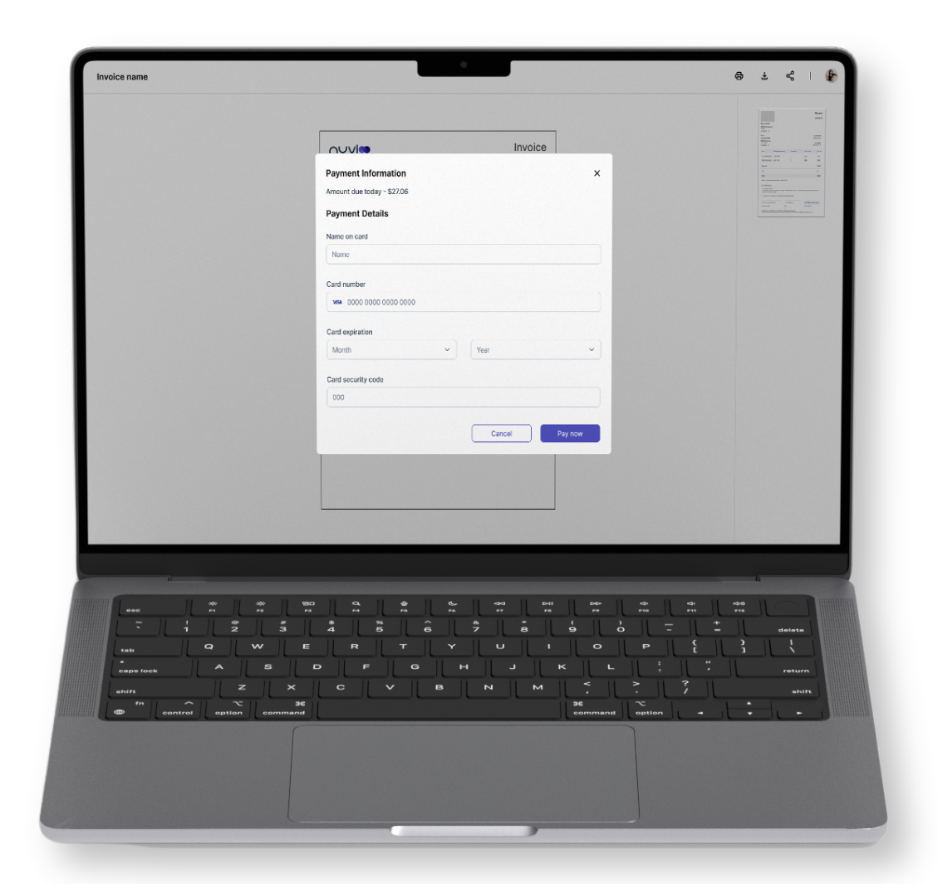
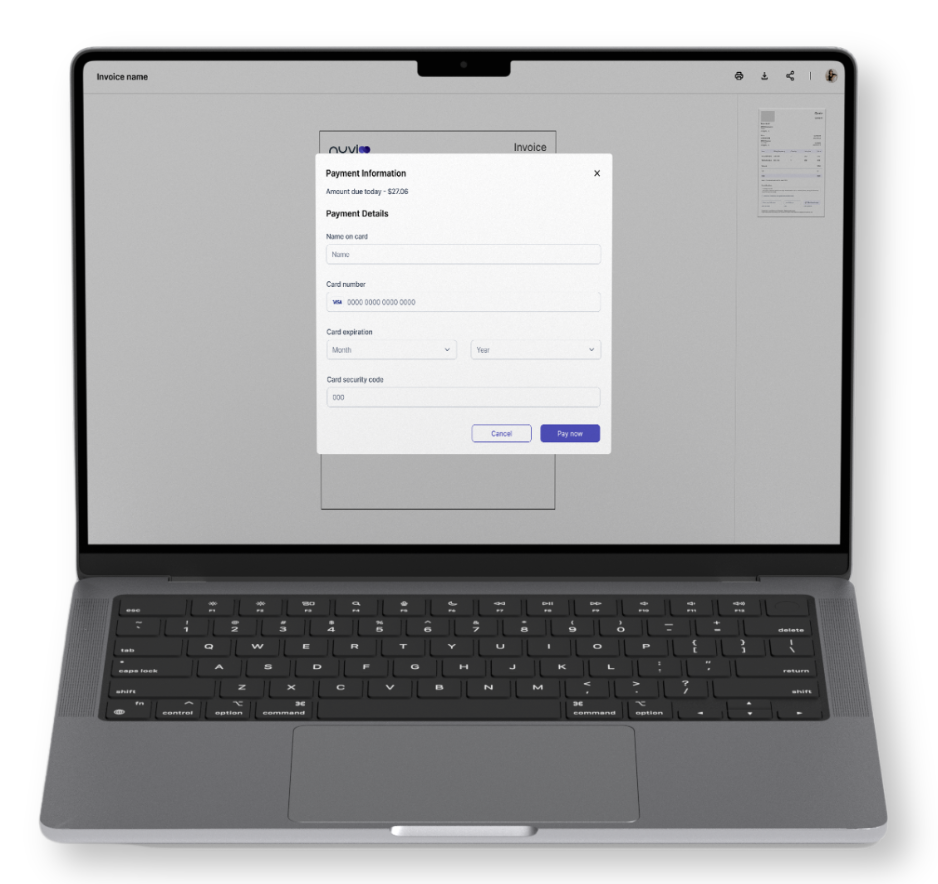
Accept credit cards, ACH transfers, or digital wallets. Clients pay directly from the invoice with just a few clicks.
Automated Invoicing for Faster Payments
Digital Delivery & Client Portal Access
- Send invoices by email or text with secure links for viewing and payment.
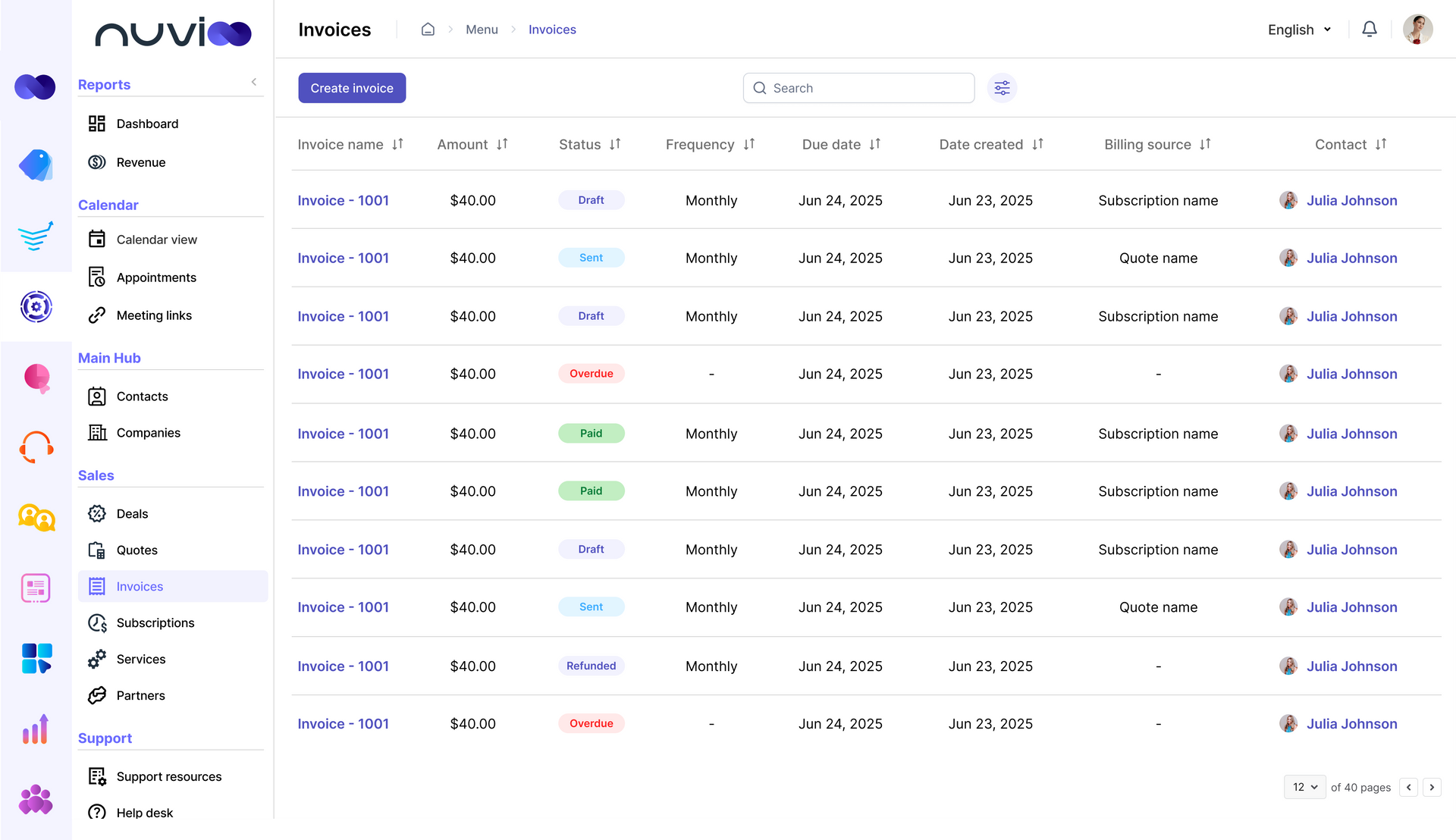
Invoice Status Tracking
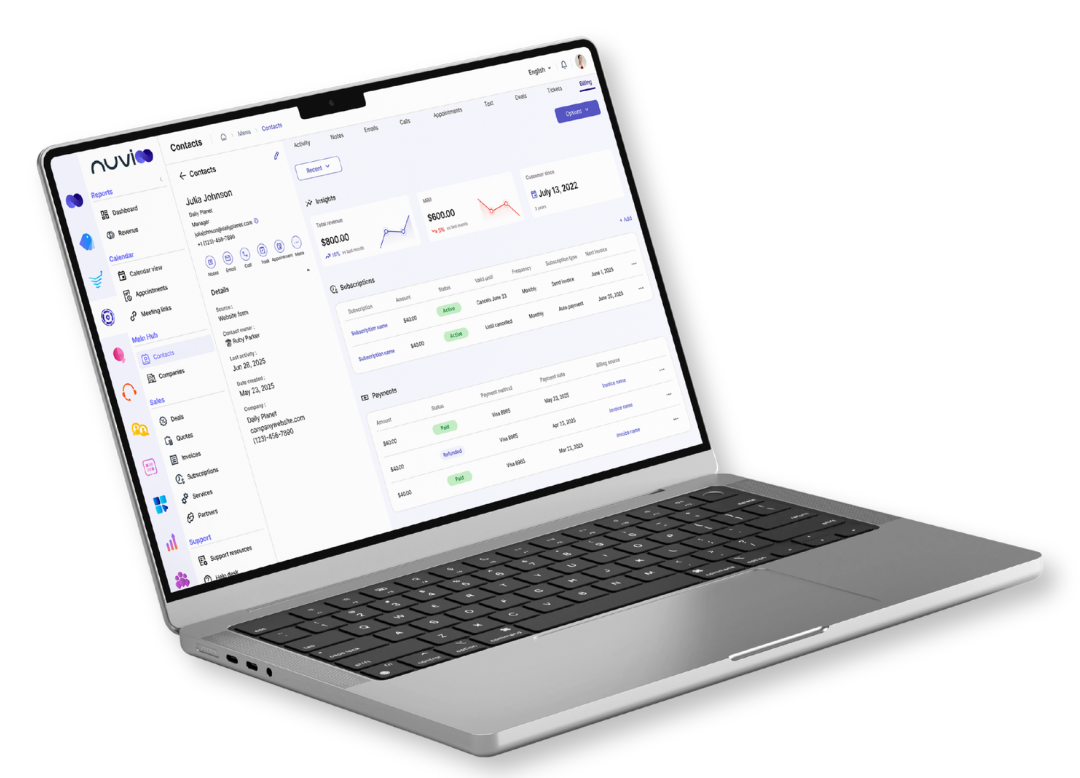
- Track invoices in real time for full visibility into payments and receivables.
Recurring Invoices
- Automate recurring billing for retainers or subscriptions on any schedule.
Invoicing Built for Small Businesses
Faster Payments, Stronger Cash Flow
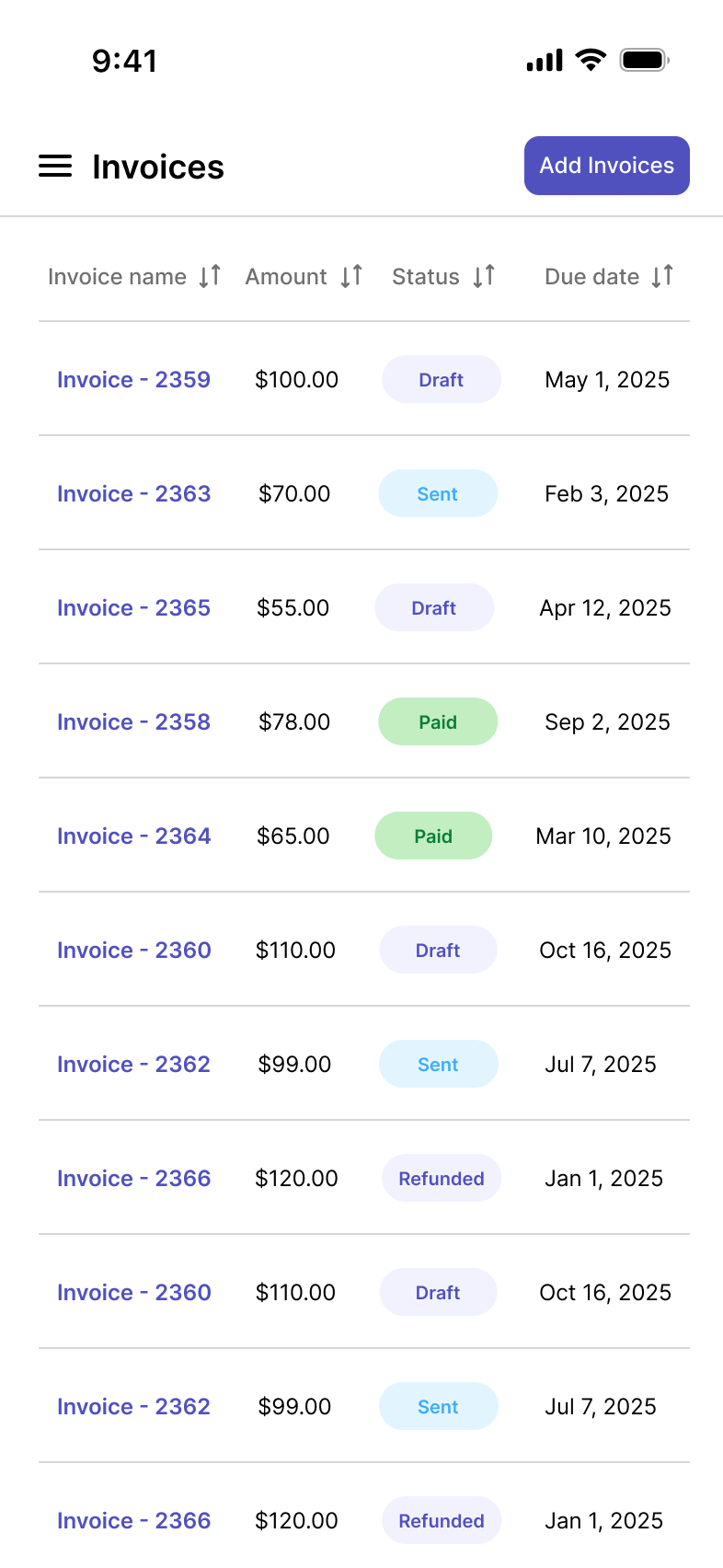
- Online payments, recurring billing, and automated reminders ensure you get paid faster and spend less time chasing clients.
A Better Client Experience
- Branded invoices with secure online payment links make it simple for clients to pay on time, reducing friction and improving satisfaction.
Smarter Financial Insights
- Built-in reporting and reconciliation tools give you clear visibility into revenue, outstanding payments, and growth opportunities.
Invoice-to-Quote & Invoice-to-Subscription Conversion
Connect billing to your sales process by linking quotes, invoices, and subscriptions for automated billing and faster payments.
Quote to Invoice: Generate professional invoices instantly from approved quotes to streamline billing.
Subscription Tie-In: Link invoices to subscription plans for automated recurring billing and faster payments.
Payment Reminders & Automation
Automate invoice reminders to reduce late payments, protect cash flow, and keep billing consistent.
Smart Alerts: Automate invoice reminders before, on, or after due dates to reduce late payments.
Less Chasing: Keep invoices and receivables on track with automated follow-ups that replace manual chasing.
Late Fees & Payment Terms
Apply late fees and payment terms automatically to invoices, ensuring steady cash flow and compliance.
Custom Terms: Set invoice payment terms like
Net 7 or Net 30 to keep billing consistent and cash flow steady.
Automatic Fees: Apply late fees automatically to overdue invoices to protect revenue and enforce payment rules.
Multi-Currency & Tax Support
Send invoices in multiple currencies with regional tax support for accurate, seamless international billing.
Currency Options: Create invoices in your client’s preferred currency for seamless international billing and payments.
Tax Rules: Apply regional tax rates automatically to invoices by service type or location for accurate billing.
Reporting & Reconciliation
Track invoice performance with reporting and reconciliation tools for better financial visibility and growth.
Revenue Tracking: Track total invoiced, collected, and overdue amounts to manage cash flow and billing performance.
Export Tools: Export invoice data easily for accounting, audits, or tax filing to streamline financial reporting.
Secure & Compliant
Keep invoicing secure with encryption and PCI-compliant payment processing for client trust and protection.
Encryption: Protect invoices and payments with advanced encryption to ensure secure billing and client trust.
PCI Standards: Maintain PCI-compliant invoicing and payment processing for secure, reliable transactions every time.
Frequently Asked Questions
Can I create custom invoices with Nuvioo?
Yes. Our invoice generator lets you add services, products, taxes, discounts, and notes to match your client’s needs.
Can clients pay invoices online?
Absolutely. Clients can pay instantly using credit/debit cards, ACH transfers, or digital wallets.
Does Nuvioo support recurring invoices?
Yes. You can automate recurring billing for retainers, subscriptions, or ongoing services.
How does Nuvioo handle unpaid invoices?
You can set automated reminders, payment terms, and late fees to protect your cash flow.
Is Nuvioo’s invoicing system secure?
Definitely. All invoices and transactions are encrypted and PCI-compliant.
Is Nuvioo the best invoice software for small business?
Yes. Nuvioo combines professional invoice design, online payments, automation, and reporting in one easy-to-use platform.