
Two-Way Texting Built Into Your CRM
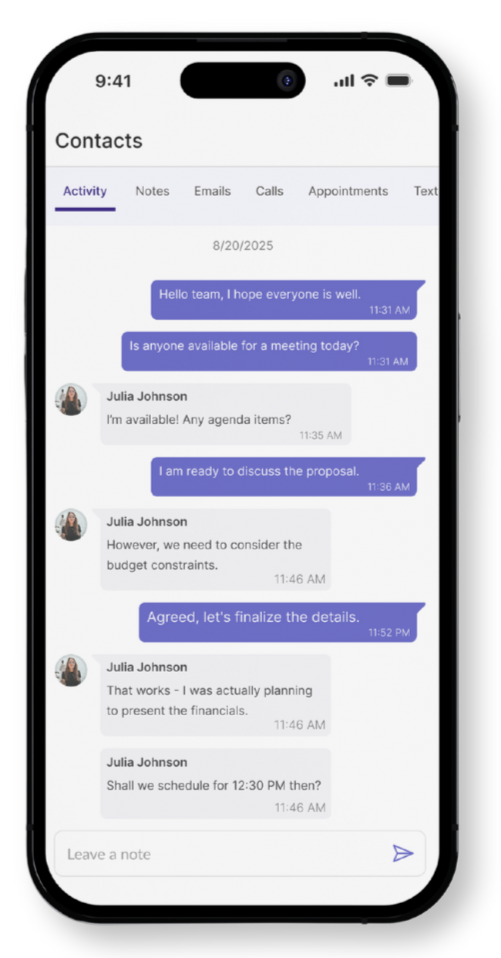
With Nuvioo’s built-in texting, you can confirm appointments, answer questions, and follow up instantly — all from inside your CRM. Faster replies mean happier clients and fewer missed opportunities.
Contact Us
We will get back to you as soon as possible.
Please try again later.
Manage Every Conversation in One Place
Dedicated Business Numbers
Give each team member a business texting line so you keep personal numbers private while offering clients a professional way to connect.
Send & Receive in CRM
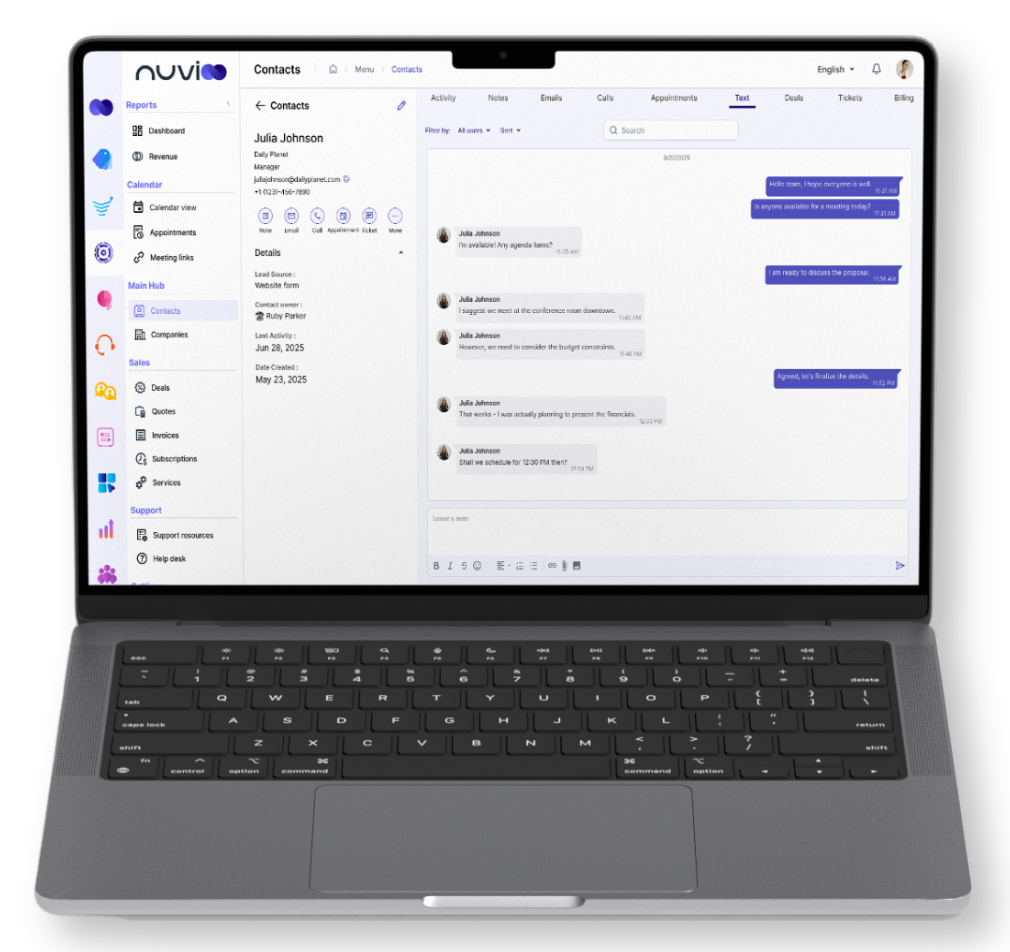
Reply to messages directly from client records or your shared inbox. No third-party apps, no missed conversations.
Full Conversation History
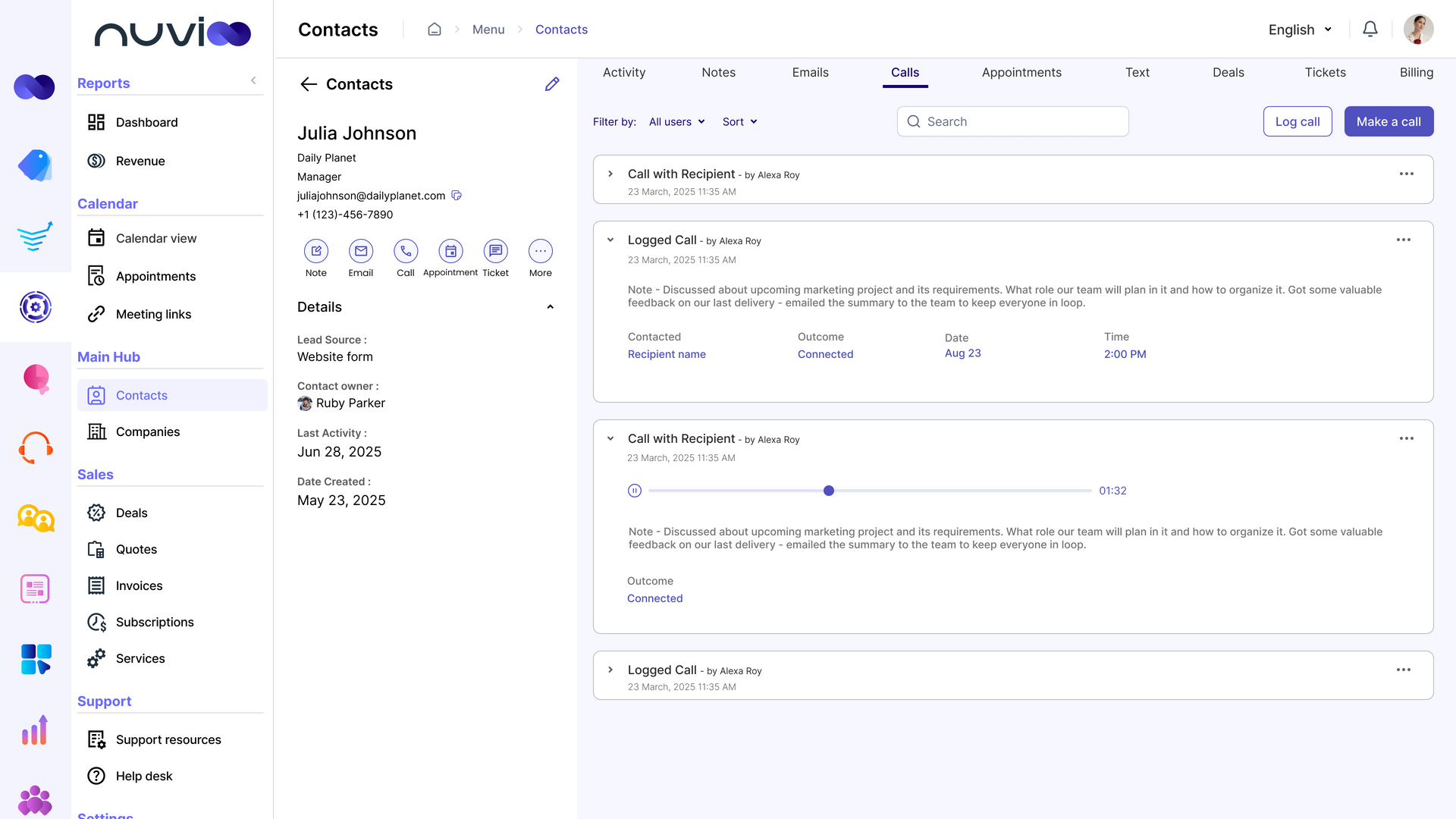
Every text is saved with timestamps and sender info so your team always has context before reaching out again.
Smart Tools That Save You Time
Smart Inbox
- See every message in one inbox with filters for new texts, assigned users, or high-priority conversations.
Quick Replies for Seamless Communication
- Respond faster with built-in messaging tools that keep conversations organized and eliminate back-and-forth between platforms.
Mobile Notifications
- Get alerts for new texts on desktop or mobile so you never leave a client waiting.
Why Businesses Love Nuvioo Texting
Fewer No-Shows, More Engagement
- Send appointment confirmations and automated reminders that keep clients on time and reduce lost revenue.
A Better Client Experience
- Clients get quick answers to questions, appointment updates, and reminders in the channel they use most — their phone.
Made for Busy Teams
- Assign and route texts to the right team member automatically so nothing slips through the cracks.
Keep Conversations Compliant
Opt-In & Opt-Out Controls: Give clients full control of how they want to receive messages while staying compliant with texting rules.
Assign & Route Conversations: Make sure the right staff handles the right messages by routing texts by service, location, or client status.
Multimedia Messaging (MMS): Send photos, receipts, or documents via text for a faster, more personal client experience.
Frequently Asked Questions
Can I text clients directly from Nuvioo?
Yes. All texts are sent and received inside the CRM with no outside tools required.
Will clients see my personal phone number?
No. Each account or staff member gets a dedicated business texting line.
Can I automate reminders?
Yes. You can send automatic texts for appointments, renewals, or invoices.
Does it save message history?
Every conversation is stored in the client record for full visibility and easy follow-up.
Can I send pictures or files?
Yes. With MMS support, you can send images, PDFs, and documents through text.